
1Why use your own domain
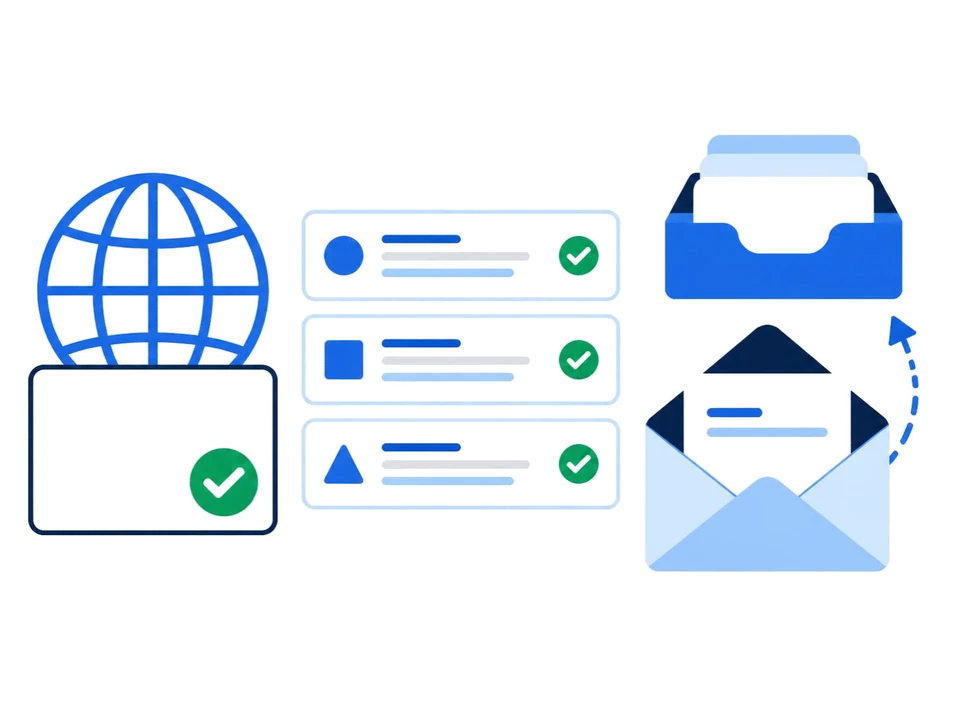
- Trust. A quote from sales@yourcompany.in looks like it comes from a business, not a person.
- Ownership. Addresses belong to the company. When someone leaves, you keep their address and their mail.
- Your brand in every email. Each message shows your company name to the person reading it.
- Protection. SPF, DKIM and DMARC records on your domain make it harder for someone to send fake invoices in your name.
2Create it in five steps
- Get a domain. Buy one from any registrar if you don't have one. Short names that are easy to spell work best on the phone.
- Choose an email provider and add your domain. In SyncGaze, sign up and add the domain in the dashboard.
- Add the DNS records. Copy each record from the dashboard into your domain provider. We have guides for GoDaddy, Hostinger, BigRock, Cloudflare and Namecheap. Or press Set it up for me and our team will do it with you.
- Create your mailboxes. Add them one by one, or upload a CSV for a whole team.
- Connect your apps. Use webmail, the SyncGaze Mail app for Android, or IMAP and SMTP for Outlook, Thunderbird and iPhone Mail.
Then check your domain to confirm that everything works, and send a test email to a Gmail address.
3The DNS records
These records connect your domain to SyncGaze Mail. The dashboard shows your exact values with a copy button. Other providers use the same record types with their own values.
| Record | What it does |
|---|---|
| Verification (TXT) | Proves that you own the domain |
| MX | Tells other mail servers where to deliver your email |
| SPF (TXT) | Lists the servers allowed to send as your domain |
| DKIM (TXT) | Signs each message so receivers can trust it |
| DMARC (TXT) | Tells receivers what to do with mail that fails those checks |
Keep one provider's MX records and one SPF record. A second SPF record makes SPF fail, and leftover MX records can send your mail to the old provider. Our SPF generator and DMARC generator build valid records for you.
4Choosing addresses
- For people: pick one pattern and keep to it, such as priya@ or priya.sharma@.
- For teams: sales@, accounts@, support@ and info@ are easy to remember and can move between staff.
- Save money with aliases: an alias delivers to an existing mailbox, so you don't pay for a separate mailbox for each address.
Want a matching signature? Use the free email signature generator.
5Questions
Do I need a website to have a custom domain email?
No. You need a domain, not a website. Email and a website use separate DNS records, so a domain with no website works fine for email.
Can I keep my domain at GoDaddy, Hostinger or BigRock?
Yes. You only add DNS records at your domain provider. The domain stays where you bought it, and your website is not affected.
How long does setup take?
Adding the records takes a few minutes. Most DNS changes show up within minutes, but some take up to a few hours.
Can several people share one address?
Yes. Use an alias, a group or a shared mailbox, so an address like sales@ reaches the right people.
What does a custom domain email cost?
You pay your domain provider for the domain, and your email provider per mailbox. SyncGaze Mail starts at ₹29 per user per month before GST, and the Business plan is free for your first 3 months.
Read more: business email in India · pricing · business email providers compared
Free for your first 3 months. Set up autopay at sign-up, with ₹1 taken to verify it and refunded.