
1Side by side
| SyncGaze Mail | Microsoft 365 Business Basic | |
|---|---|---|
| Per user per month, yearly commitment | ₹29, or monthly at the same price | ₹170 (₹130 without Teams) |
| Per user per month, paid monthly | ₹29 | ₹204 (₹156 without Teams) |
| Entry mailbox size | 3 GB | Much larger mailbox |
| Email on your domain | Yes | Yes |
| Works with the Outlook app | Yes, over IMAP and SMTP | Yes |
| Video calls and team chat | Not included | Teams, on the plan that includes it |
| Office apps | Forms, Docs and Sheets apps | Web and mobile Word, Excel and PowerPoint |
| Help with DNS setup | Steps for your DNS provider, or press Set it up for me | Setup guidance in the admin centre |
| GST invoice | Yes | Yes |
Microsoft figures from Microsoft 365 business pricing and plans without Teams, November 2026. Check Microsoft's site for current prices.
2Cost for a team of 10
One year, before GST:
| Plan | Per year |
|---|---|
| SyncGaze Business Starter | ₹3480 |
| Microsoft 365 Business Basic without Teams, yearly commitment | ₹15600 |
| Microsoft 365 Business Basic, yearly commitment | ₹20400 |
3Which one to choose
SyncGaze Mail suits you if
- Email is the main thing you use, and each person keeps under 3 GB.
- You want to keep Outlook without paying for the rest of the suite.
- You want someone to do the DNS setup with you.
Microsoft 365 suits you if
- Your team uses Teams or SharePoint every day.
- You keep years of mail and need a large mailbox.
- You need Word, Excel and PowerPoint. For the desktop apps you need a higher plan than Business Basic.
- Your clients or IT policies require Microsoft.
4Switching from Microsoft 365
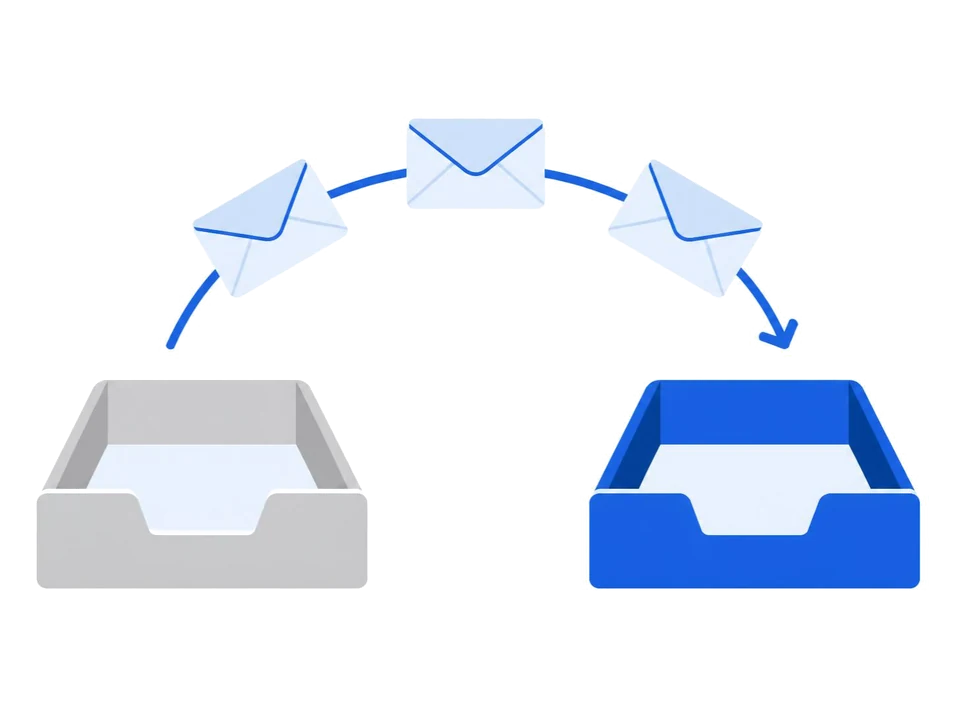
Your mail keeps arriving at Microsoft 365 until you change your MX records, so you can copy everything first.
- Add your domain in SyncGaze and verify it.
- Create your mailboxes, one by one or with a CSV bulk import.
- Make sure IMAP is enabled for each mailbox in the Microsoft 365 admin centre, and create an app password if multi-factor authentication is on.
- In the SyncGaze dashboard, open the mailbox, press Migrate and choose Outlook / Microsoft 365. Use Test connection, pick your folders and start the copy.
- When the copy is done, change your MX records and update SPF and DKIM. Remove the old Microsoft entries.
Moving a whole team? An admin can connect Microsoft Graph in the dashboard under Settings, so you don't need a password for each mailbox. The full steps are in the migration guide. Before you change MX, check whether any other service depends on your Microsoft account, such as Teams or OneDrive.
5Questions
Can I keep using Outlook with SyncGaze Mail?
Yes. The Outlook app connects to SyncGaze Mail over IMAP and SMTP on every Business plan. You don't need a Microsoft 365 subscription for your email.
Is SyncGaze Mail cheaper than Microsoft 365?
Yes, for email alone. SyncGaze Business Starter is ₹29 per user per month with 3 GB. Microsoft 365 Business Basic is ₹170 on a yearly commitment, with a much larger mailbox, Teams and web Office apps.
How do I move my mail from Microsoft 365?
Add and verify your domain in SyncGaze, create the mailboxes, copy your mail with the Migrate tool, then change your MX records. Your mail keeps arriving at Microsoft 365 until the MX change.
Compare more: SyncGaze vs Zoho Mail · SyncGaze vs Google Workspace · all providers side by side
Free for your first 3 months. Set up autopay at sign-up, with ₹1 taken to verify it and refunded.