
1Plans and storage
| SyncGaze plan | Per user per month | Storage per user |
|---|---|---|
| Business Starter | ₹29 | 3 GB |
| Business Professional | ₹79 | 8 GB |
| Business Enterprise | ₹99 | 15 GB |
| Titan plan | Per user per month | Storage per user |
|---|---|---|
| Pro | From US$2 | 10 GB |
| Premium | From US$2.50 | 50 GB |
| Ultra | From US$6.99 | 100 GB |
Titan figures from titan.email and Titan's own guide, November 2026, billed yearly. The price depends on where you buy Titan, so check with your provider.
2Which one to choose
SyncGaze Mail suits you if
- You want prices in rupees, with monthly billing by UPI autopay and a GST invoice.
- You want to deal directly with the team that runs the service.
- You want shared mailboxes, groups and up to 500 aliases on every plan.
- You want someone to do the DNS setup with you.
Titan suits you if
- You need more storage. Titan Pro has 10 GB, against 3 GB on our entry plan.
- Your host already includes Titan with your domain or website.
- You want its sales tools, such as read receipts and follow-up reminders.
3Switching from Titan
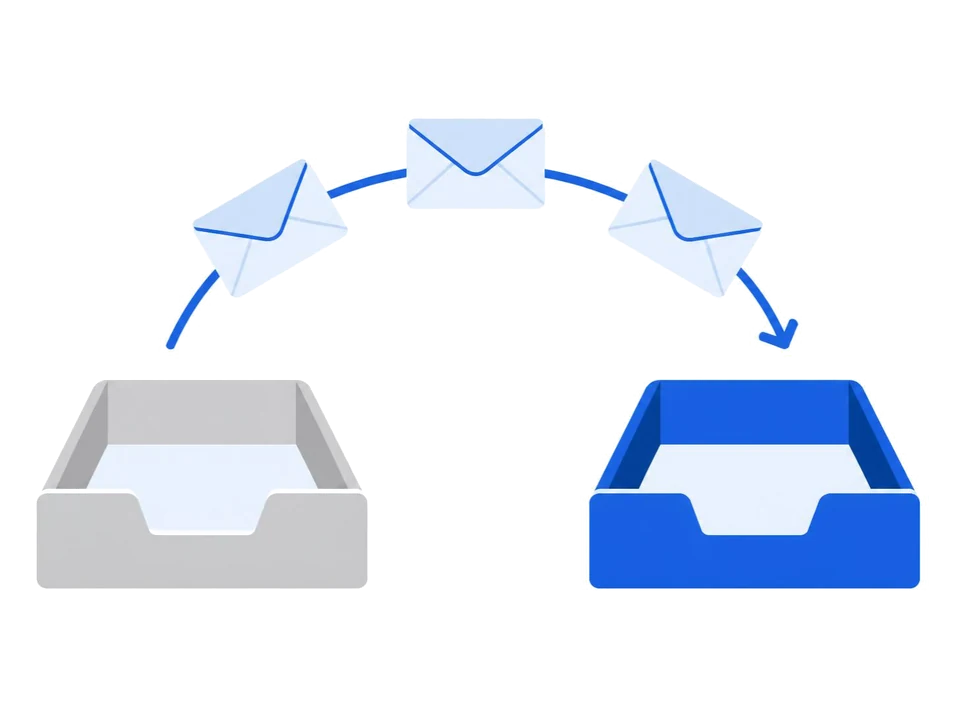
- Add your domain in SyncGaze and create your mailboxes.
- Find the IMAP server details in your Titan settings or from your host.
- In the dashboard, open a mailbox, press Migrate, choose the option for another IMAP host and enter those details. Use Test connection, pick your folders and start the copy.
- Change your MX, SPF and DKIM records, and remove the old Titan entries.
- Check your domain to confirm that everything works.
Your mail keeps arriving at Titan until you change the MX records. Keep your domain where it is; only the DNS records change.
4Questions
Does Titan have more storage than SyncGaze Mail?
Yes. Titan lists 10 GB on Pro, 50 GB on Premium and 100 GB on Ultra. SyncGaze has 3 GB on Business Starter, 8 GB on Professional and 15 GB on Enterprise.
Why does the Titan price differ between websites?
Titan is often sold through hosting companies and domain registrars, so the price, billing term and support depend on where you buy it.
How do I move from Titan to SyncGaze Mail?
Add your domain, create the mailboxes, copy your mail with the Migrate tool using your Titan IMAP details, then change your MX records.
Compare more: SyncGaze vs GoDaddy email · SyncGaze vs Zoho Mail · all providers side by side
Free for your first 3 months. Set up autopay at sign-up, with ₹1 taken to verify it and refunded.