
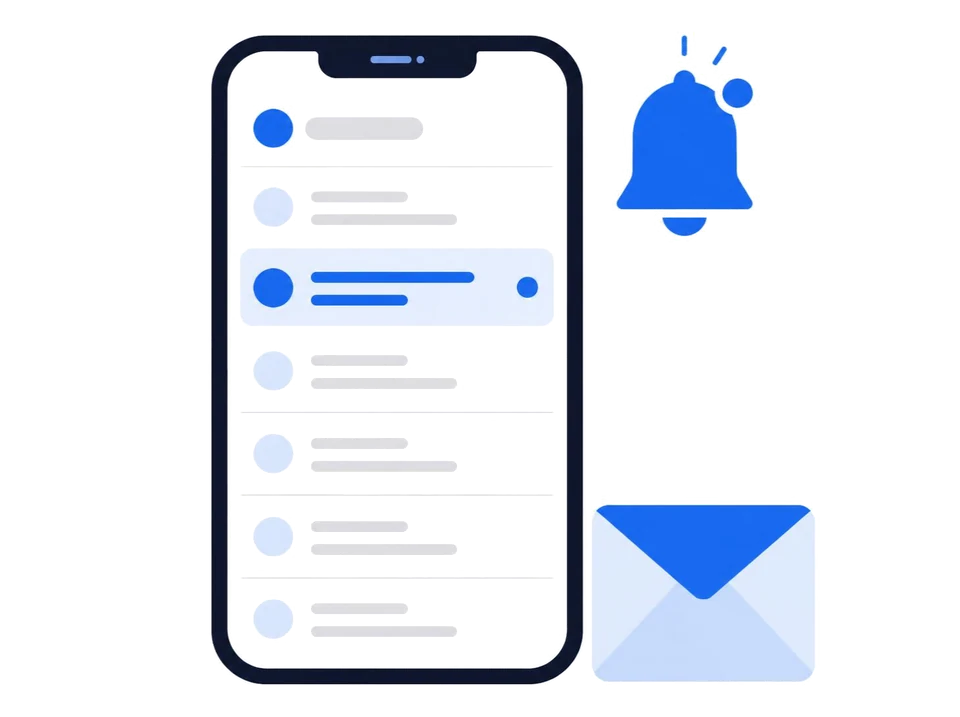
Your SyncGaze inbox on your phone. New mail pops up with its own chime, you read and reply on the go, and you approve web sign-ins with one tap. Free for everyone, personal and business.

On an iPhone? The iPhone app isn't out yet. Open mail.syncgaze.in in Safari,
tap Share, then Add to Home Screen, and it opens like an app.
On a computer? Scan this with your Android phone.
1What you get
- New-mail alerts at the top of the screen and on the lock screen, with the SyncGaze chime.
- Read, reply, search, labels and attachments for all your SyncGaze accounts, personal and business.
- Verification codes shown right in the notification, with a Copy code button.
- Sign in with your phone: approve a website sign-in with one tap instead of typing a code.
2What's new in 1.0.0
Improvements and fixes across the app.
3Updates
Google Play keeps the app up to date. Your mail and accounts stay as they are.
Like the app? A rating on Google Play helps others find it. Found a problem? Tell us at support@syncgaze.in or in the chat on help.syncgaze.in.
No SyncGaze address yet?
Start free
Business email on your own domain, free for your first 3 months.