
1What this feature does
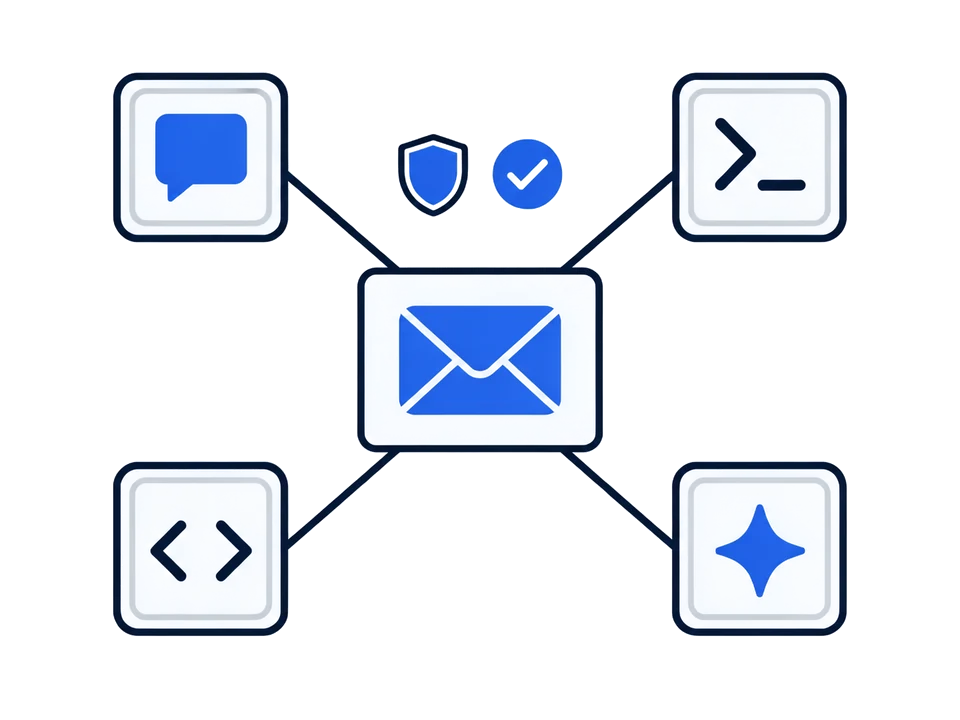
With your permission, an AI app you choose can ask SyncGaze for information from your account and show it to you: for example to search and summarise your mail, look up contacts, write drafts, check your domain and DNS setup, diagnose delivery problems, read SyncGaze help guides and open a support ticket for you. It can also ask to send mail, move mail to Trash, or change your organisation (domains and mailboxes); each such request is carried out only after you approve it on SyncGaze. Nothing is shared until you sign in to SyncGaze and press Allow on our consent screen.
2Data the AI app can receive
Only what you allowed on the consent screen, and only when the AI app asks for it:
- Mail: sender, recipients, subject, date and the visible text of messages, and the text of text attachments, from the mailboxes you selected. Spam, Junk and Trash, and any folders you choose to hide, are never shared.
- Contacts: names, email addresses and organisation, if you allowed contacts.
- Organisation: your domains, DNS status, mailboxes, plan and storage use, only if you allowed it and your SyncGaze role can see them on the dashboard.
- Support: results of setup checks, and support tickets the AI app opens for you.
Masking is on by default: one-time codes, sign-in and password-reset links, card numbers, bank account numbers, IFSC, PAN, Aadhaar, API keys and passwords written in mail are replaced with "[hidden]" before they are shared. Your SyncGaze password is never shared.
3Who processes your data
SyncGaze sends the information to the AI app you connected. From that point, the AI app's provider handles it under their own terms and privacy policy, including how long they keep it and whether they use it to improve their models. Please read the policy of the AI app you use. SyncGaze is not responsible for how a third-party AI app processes data you choose to share with it.
What we do not do: SyncGaze does not run any AI model on your mail for this feature, does not use your mail to train AI, and never sells it or uses it for advertising.
4Mail from other people
Your mail contains personal data of the people who write to you. When you connect an AI app, you decide to share that content with it. Please only connect AI apps you trust, and only share what you need.
5What SyncGaze stores
- Connection record: the app's name, what you allowed, your selected mailboxes and hidden folders, and when it was created, last used and ends. Kept while the connection is active and for 1 year after it ends.
- Consent record: what the consent screen showed, what you allowed, the notice version, time, IP address and browser. Kept for 7 years as proof of consent.
- Activity log: which tool was used and when, with short details such as a search term or domain name. It never contains message content. Kept for 1 year.
- Approval requests: what the app asked to do (for a send: recipients, subject and message, so you can see exactly what you approve), your decision and the result. Kept for 30 days.
- Drafts: drafts the app writes are saved in your Drafts folder like any other draft, until you send or delete them.
6Security
- You sign in on SyncGaze's own page, never inside the AI app.
- Access is limited to what you allowed, re-checked on every request, short-lived and renewed automatically, and works only for mcp.syncgaze.in.
- AI apps cannot send, delete or change anything on their own. Each such request is shown to you on SyncGaze exactly as it will happen, and runs only if you approve it while signed in. Mailbox passwords are emailed to you, never given to the AI app.
- If you turn on automatic sending for a connection (off by default), mail to your own addresses and saved contacts is sent after a 60-second delay during which you can undo it, up to 10 a day.
- If an app reads an unusual amount of your mail, we tell you, and pause reading at high volumes.
- In weeks when an app used your account, we email you a summary of what it did (counts only).
- Hidden text in emails is removed and email content is marked as untrusted, to protect your AI app from emails written to trick it.
- All connections use encryption in transit (TLS).
7Your choices and rights
- Withdraw consent: disconnect any AI app at any time in Account, Connected AI apps (account.syncgaze.in/ai-apps/). It stops on its next request. Changing your password or signing out of all devices disconnects all AI apps.
- Access, correction and deletion: you can see your connections and their activity on the same page, and ask us for a copy of your consent records or their deletion where the law allows, under the Digital Personal Data Protection Act, 2023 and other laws that apply to you.
- Organisations: for accounts that belong to an organisation, its SyncGaze admins can turn this feature off or limit it, see which AI apps members connected, what each may do and when it was used, see which kind of action was taken (for example "read a message"), and disconnect any app. They never see mail content, search terms or recipients through this feature.
8Changes
If we change this notice in a way that affects what is shared, we will tell you and ask for your consent again before the change applies to your connections.
9Contact and grievances
Email: info@syncgaze.in (subject: AI connections)
Website: mail.syncgaze.in